
Sign up & enjoy 20% OFF

Capturing the Spark in Your Pet’s Eyes: The Ultimate Smartphone Photography Guide for Pet Parents

As devoted pet parents, we always want to preserve our furry friends’ most adorable expressions. Whether you are planning to select your favorite snapshot to create a cuddly Personalized Pet Photo Pillow, turn a playful moment into a cozy Personalized Pet Photo Soft Flannel Blanket, or preserve a cherished memory with a Personalized Pet Photo Puzzle, you might realize one thing: the secret to a stunning, high-reproduction custom product isn’t about complex editing software—it’s all about whether your original photo is clear, lively, and full of texture.
Taking frame-worthy photos of your pet doesn’t require an expensive DSLR camera or professional studio lighting. We’ve broken down the essential photography tips into a few easy, memorable steps that will not only capture everyday moments of joy but also give you the perfect high-quality source material for your next custom photo project!
Core Photography Tips to Double Your Photo Texture
Before you tap the shutter button on your phone, keep these key details in mind to ensure your photos translate brilliantly into custom home decor and keepsakes:
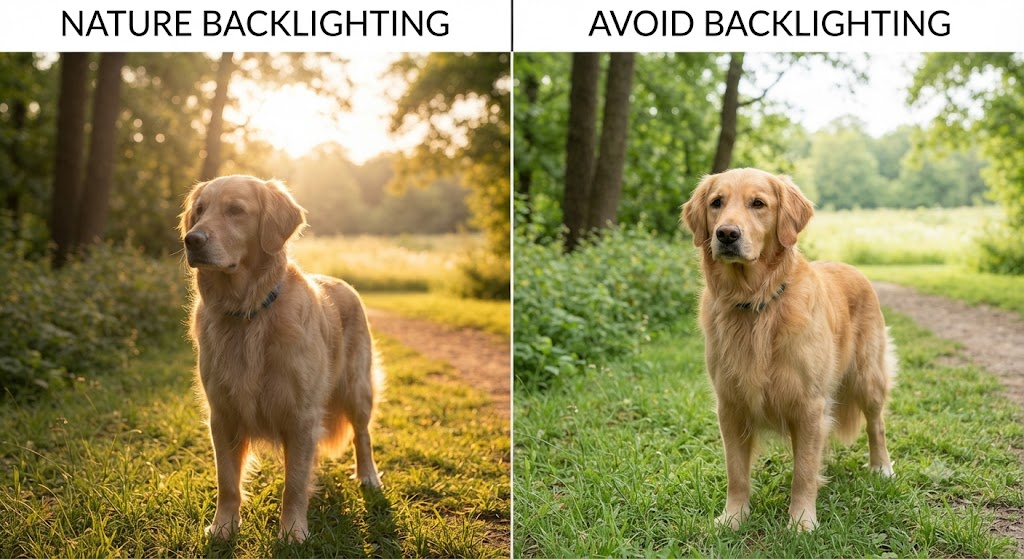
Embrace Natural Light and Avoid Backlighting:
- The sun is your best lighting assistant. Bring your pet near a window or balcony where natural light streams in, and opt for side lighting to beautifully outline their body contours while keeping their face out of the shadows.
- Never shoot against the light: Backlighting turns your pet into a dark silhouette, so always ensure the light source is in front of or beside them. Additionally, to protect their sensitive eyes, skip the flash and rely purely on soft natural illumination.
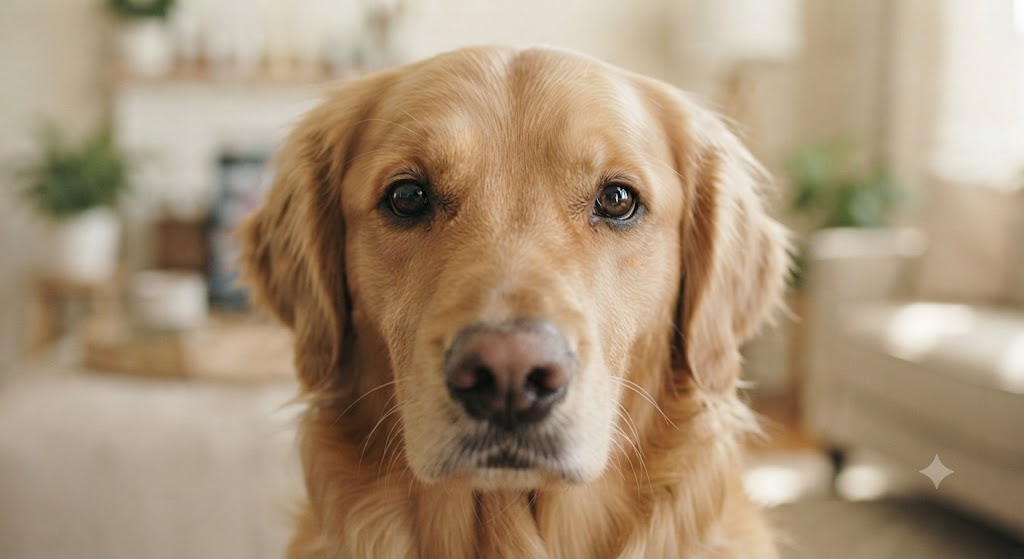
Focus on the Eyes—The Windows to the Soul:
Whether you’re making a custom throw blanket or a heartwarming jigsaw puzzle, expressive eyes bring a piece to life. Before shooting, lightly tap your phone screen to lock focus directly on the eye closest to the lens for a sharp, sparkling gaze.
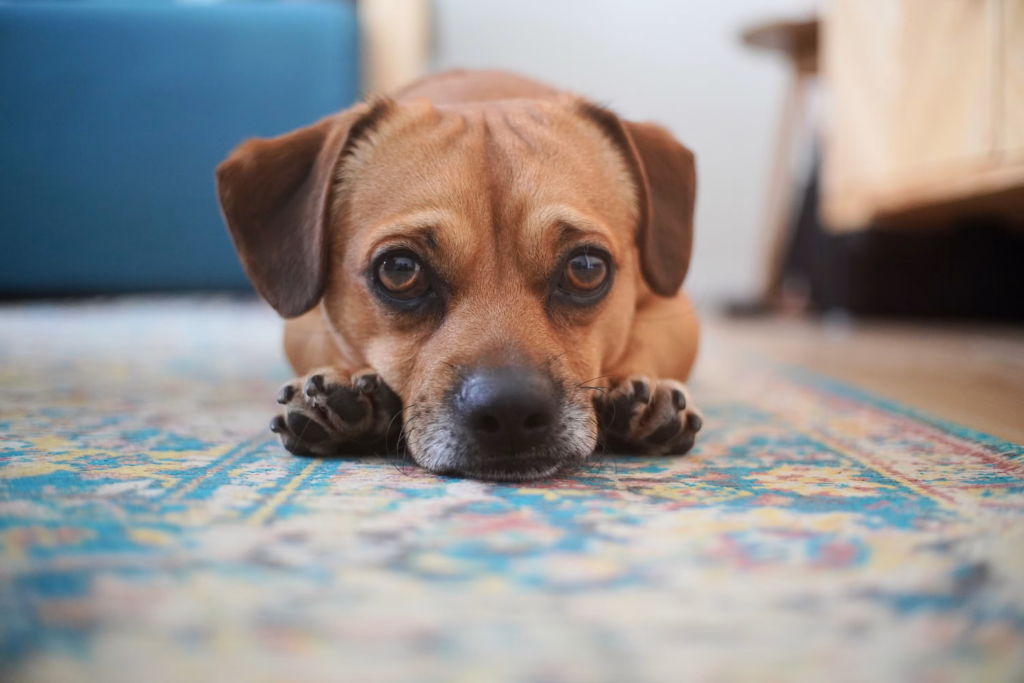
Lower Your Perspective to See the World at Their Eye Level:
We’re so used to shooting from a standing, downward human angle that mostly captures monotonous flooring. Try holding your phone lower or even flipping it upside down to match your pet’s perspective. This not only captures the cutest expressions but also creates a naturally soft, beautiful background blur.
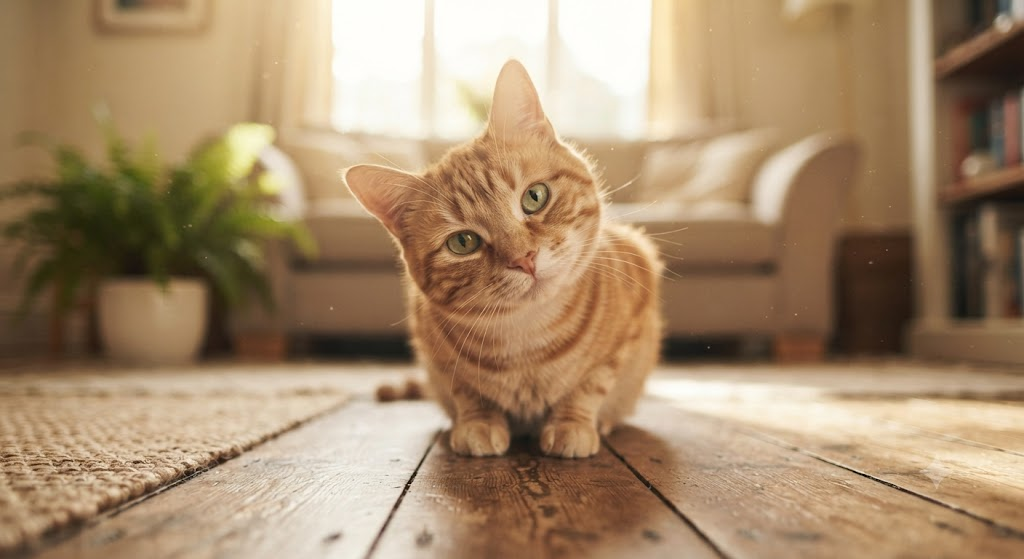
Keep the Background Clean and Remove Excess Accessories:
For the cleanest cutout and most professional look, remove small background clutter and opt for a solid wall or a tidy sofa. It’s also best to temporarily take off any name tags or leashes so stray objects don’t interfere with your pet’s natural silhouette.
Why a “Clear Photo” Is Crucial for Custom Pillows and Blankets
When you choose to customize your pet’s photo into a Personalized Pet Photo Shape Pillow | Custom Plush Companion or a soft, comfortable Personalized Pet Photo Soft Flannel Blanket, whether the final product looks stunning and lifelike depends 90% on the quality of the original photo you upload.
Many pet owners wonder: “It looks fine on my phone, why does it look different when printed on fabric?” This is closely tied to the factory’s production and manufacturing workflow:
- The Impact of Pixels and Resolution: When producing a shaped pillow or a large-scale blanket, the factory must scale up the digital pixels of your photo manifold and print them directly onto textile fibers. If the original photo has low resolution or has been over-zoomed (such as using digital zoom), the edges of the fur will show noticeable pixelation or blocks, causing the soft plush texture to look blurry.
- The Impact of Low Light and Noise on Printing: Shooting indoors in dim lighting forces your phone’s sensor to artificially boost sensitivity (ISO) to capture light, generating a large amount of messy “noise” (coarse colored graininess on the screen). When printed onto delicate fleece fabrics, this noise makes the pet’s fur color look muddy and flat, even causing black fur to appear gray and washed out.
- The Impact of Noise and Lighting on Factory Laser Cutting: For shaped pillows, the factory’s laser cutting machines rely on high-precision optical scanning to recognize the pet’s edge contours. If a photo suffers from severe backlighting or heavy shadows, or if poor lighting causes the pet’s body to blend into the background due to weak edge contrast, the machine will struggle to accurately trace the cutout. This not only leads to clipped or chewed-up fur edges but also severely impacts the three-dimensional feel and delicacy of the finished pillow.
Pro Tips for Cats and Dogs
Since cats and dogs have very different personalities and habits, tailor your approach with these targeted tricks:
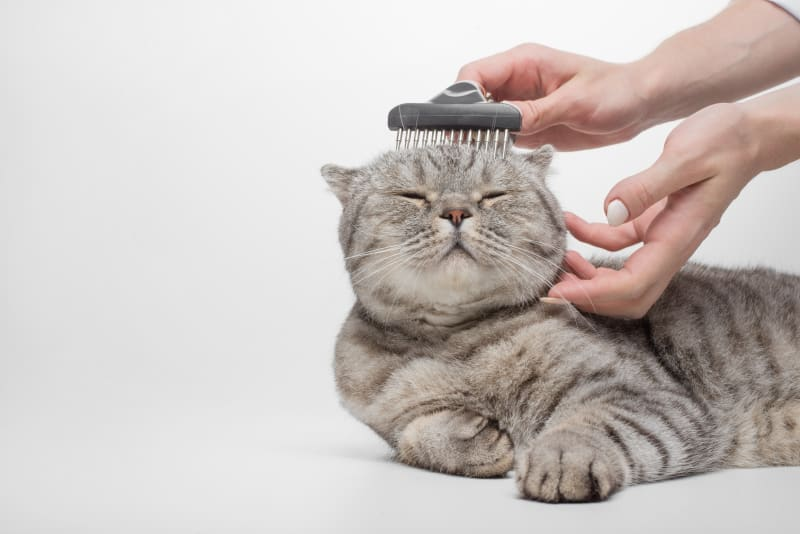
How to Photograph Cats:
- Freshen Up First: Gently groom their fur before the shoot and wipe away any corner eye discharge. Cleaner facial details mean a much crisper, more refined finish when printed on a plush fabric or woven blanket.
- Respect Their Rhythm: Never force a cat to pose. Use the sound of crinkling paper, soft clapping, or a favorite wand toy to catch their curiosity, snapping away during those fleeting moments of relaxed alertness.
- Try different methods to attract your cat’s attention: For example, clapping your hands, rubbing paper together, giving treats, or playing with toys. Or ask a friend for help.
How to Photograph Dogs:
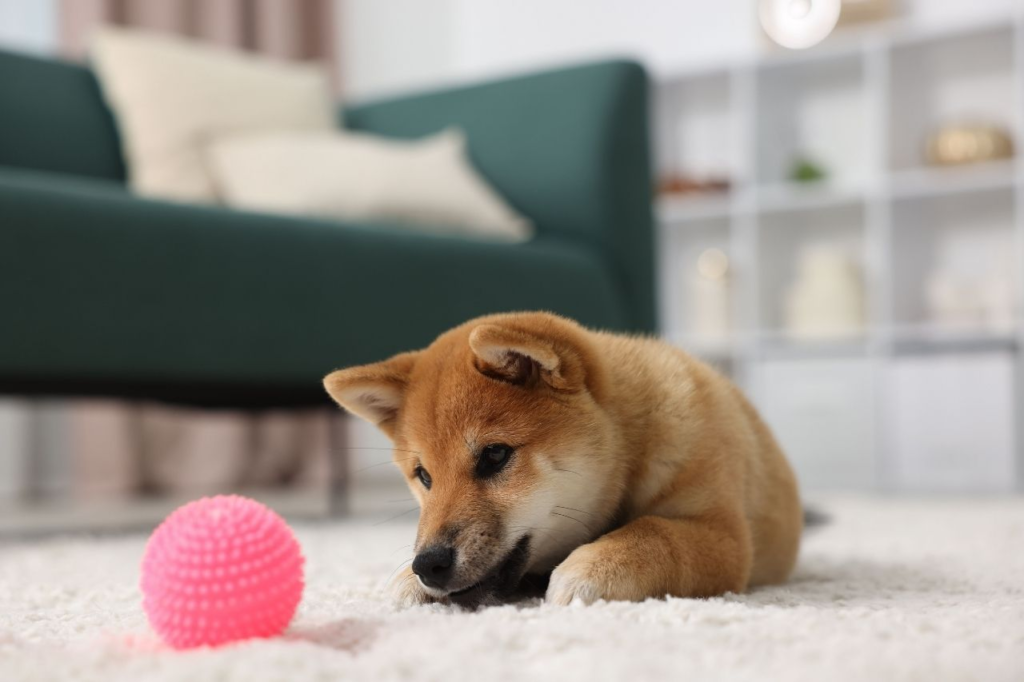
Drop to Their Level: Squat or even lie flat on the floor so your eye line runs parallel with your dog—the ultimate trick for capturing soulful expressions and great proportions.
Capture the Action: Dogs are full of energy. Try playing with a toy to burn off a little wildness first, or freeze the split-second they pause mid-chase to capture their most vibrant, authentic personality.
Attract the dog’s attention: Use treats, toys, or sounds to attract the dog’s attention and guide it to look in the direction you want.
Advanced Bonus Tips: Smartphone Camera Settings & Auxiliary Features
Beyond lighting and angles, smartly using your phone’s built-in camera assistant features can instantly elevate your photo quality to the next level:
- Turn on “Grid Lines” for Effortless Level Composition: Enable the rule-of-thirds grid in your camera settings. When shooting, try placing your pet’s eyes or core body parts at the grid intersections, or use the lines to keep your phone level and avoid crooked, messy framing.
- Make the Most of the HDR (High Dynamic Range) Feature: If you encounter high-contrast lighting (such as sunlight streaming through a window creating harsh bright and dark sides), turning on your phone’s HDR feature allows the camera to automatically balance highlights and shadows, preserving more detail in darker fur without overexposing bright spots.
- Use “Burst Mode” to Capture Dynamic Motion: Cats and dogs rarely stay still for long. When they are playing or turning their heads, don’t just click once; try holding down the shutter to use burst mode, then choose the shot with the sharpest gaze and most perfect expression later.
- Avoid Excessive Digital Zoom: If your pet is far away, try walking closer instead of pinching the screen to zoom in. Digital zoom simply crops and enlarges pixels, which severely sacrifices image clarity—something fatal for custom products that require high-precision scaling.
The Bottom Line
Companion animals offer the truest form of love. When you freeze your pet’s most healing expression or mischievous tilt of the head in a snapshot, and let us turn it into a custom piece you can hold as a Personalized Pet Photo Shape Pillow | Custom Plush Companion, wrap yourself in as a Personalized Pet Photo Soft Flannel Blanket, or piece back together as a Personalized Pet Photo Puzzle Framed Wall Art, that companionship gains a tangible, physical form.
Grab your phone, keep these simple tips in mind, and snap a five-star photo of your furry best friend today! We are so excited to help you transform your favorite memories into something truly special.